
AION 2 Launch Checklist and Beginner Route
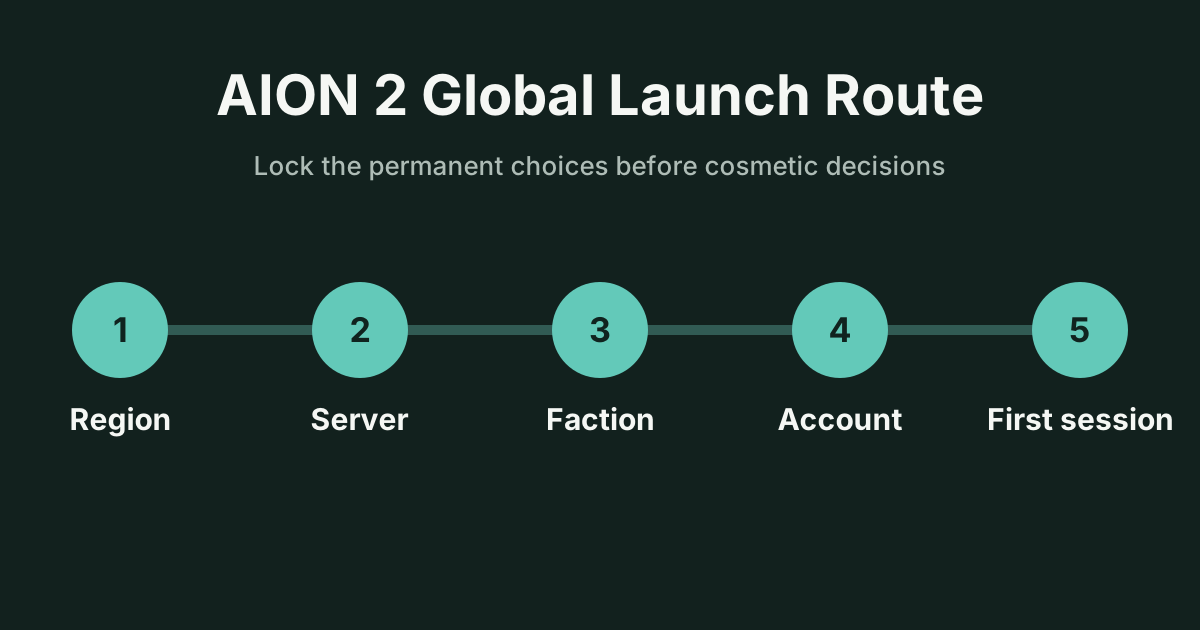
Before you install
Section titled “Before you install”- Confirm that your account and selected service region match where you intend to play.
- Ask friends for the exact server name and faction, not just a region.
- Decide whether Steam or PURPLE will be your first launcher. Both reach the shared global service, but continuity depends on the account link.
- Read the monetization record before buying membership or a Battle Pass; the base game is free-to-play.
Character creation order
Section titled “Character creation order”Create on the right server before tuning appearance. The global version publishes eight classes and more than 200 appearance parameters, so appearance can consume time while creation restrictions change. If creation is restricted, do not create on an arbitrary server merely to get past the screen. Recheck the official server notice and coordinate with your group.
Your class should match the role and pace you want, not an unverified launch tier list. Review the eight-class record and treat any balance ranking as patch-sensitive.
First-session priorities
Section titled “First-session priorities”- Complete the opening instructions so menus and travel rules are introduced by the current build.
- Keep unfamiliar currencies, consumables and upgrade materials until their tooltip and destination are clear.
- Compare every replacement before discarding old equipment.
- When an item is definitely obsolete, follow the old gear guide and read the extraction preview before confirming.
- Check the launch events record before a session ends so time-limited rewards are not left unclaimed.
What can change
Section titled “What can change”Server creation restrictions, event windows, transfer rules and class balance are live-service facts. The regions and servers record tracks the current confirmed transfer plan; this guide does not promise that a restricted server will reopen at a particular hour.